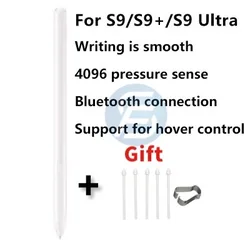
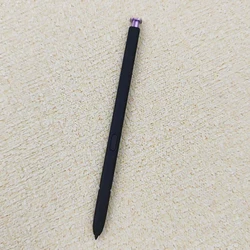
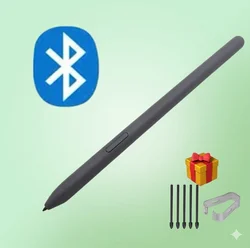
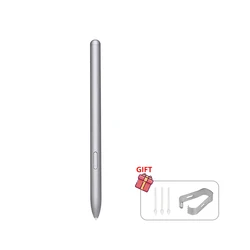
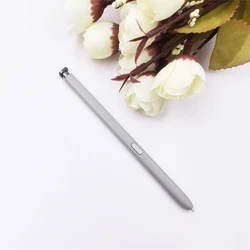
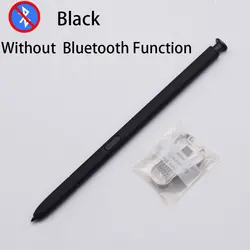
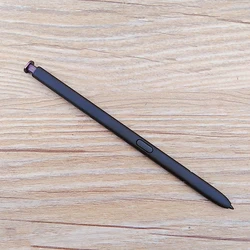
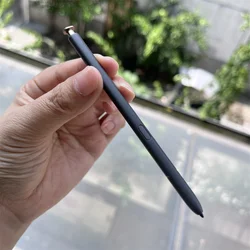
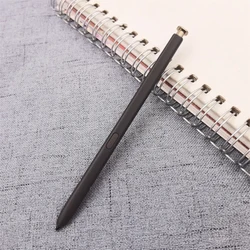
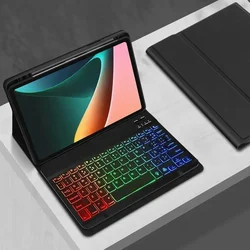
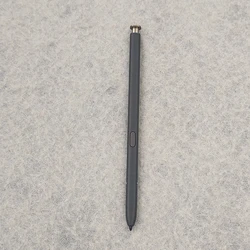
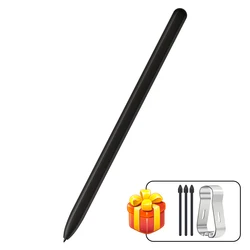
🔵 The Apple Pencil 1 & 2 is a cutting-edge Bluetooth stylus designed specifically for use with a range of iPads released from 2018 to 2025, including the iPad A16, Air 11/13, M2/M3, Pro 11/13, and Mini 5/6/7 models. This versatile pencil provides a seamless drawing and writing experience, making it the ideal replacement for the original Apple Pencil.
🔧 Key Features:
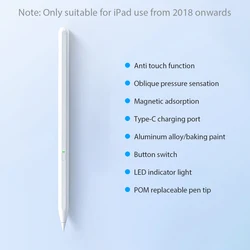
- Palm Rejection Design: Enjoy a natural writing or drawing experience without the inconvenience of accidental touches. The pencil's palm rejection technology allows you to rest your hand comfortably on the iPad screen while you create.
- Magnetic Adsorption: This stylus conveniently attaches to the side of compatible iPad models, offering easy access when not in use (note: it does not support charging while attached).
- Integrated Design: Crafted with a sleek and ergonomic design, this pencil ensures comfort during prolonged use, making your artistic or note-taking sessions enjoyable.
- Tilt-sensitive Pen Tip: Create varying line thicknesses by changing the tilt angle of the pencil, achieving nuanced effects and detail in your drawings.
🪞 Battery and Usage:
- Light Indicators: The JD18 model features a Bluetooth connection with LED lights to indicate battery status—blue or green for operational mode, red while charging, and off indicates a full charge.
- Extended Battery Life: With a super-capacity battery, you can enjoy up to 24 hours of active use and a standby time of 365 days. Fast charging technology means you’ll be back to creating in just 30 minutes.
🔪 Precision and Smoothness: Experience exceptional point control without leaving scratches or experiencing lag. The pencil allows for smooth interaction with the iPad, making it perfect for both writing and drawing tasks.
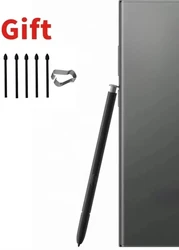
💍 Extras: Two spare nibs come included, offering peace of mind against wear and tear. Easily replace the nibs by twisting them out and in, ensuring your stylus remains in top condition over time.
Compatibility: The Apple Pencil is compatible with most note-taking and drawing applications available on the App Store, enhancing your creativity and productivity.
Usage Tips:
- If you encounter issues using the pencil simultaneously with fingers, adjust the device settings in Settings > Apple Pencil to ensure optimal performance.
- The pencil is tilt-sensitive but not pressure-sensitive, allowing for a variation in strokes based on the angle of tilt.
🏆 Embrace your creative potential with the Apple Pencil 1 & 2, a sophisticated, functional, and user-friendly stylus poised to enhance your iPad experience.