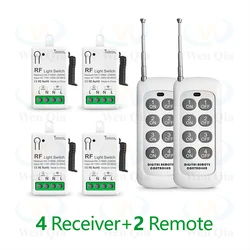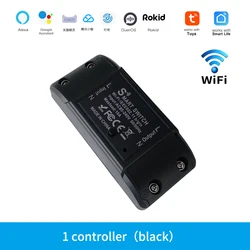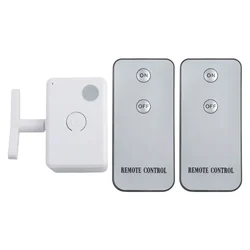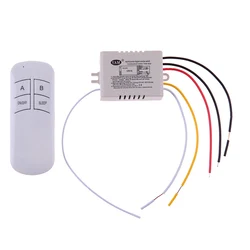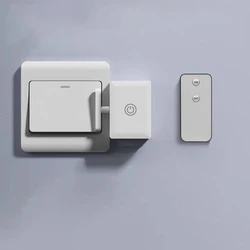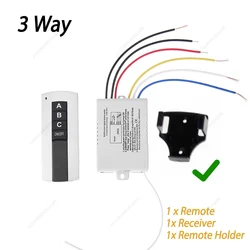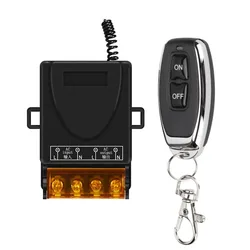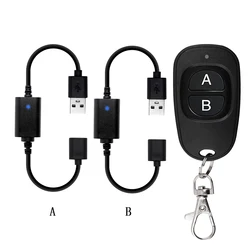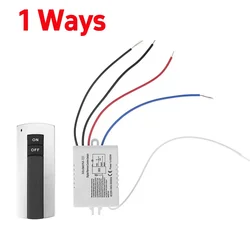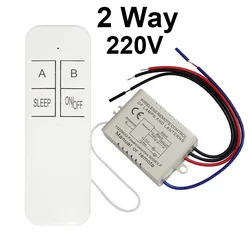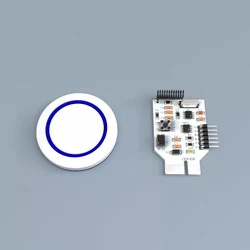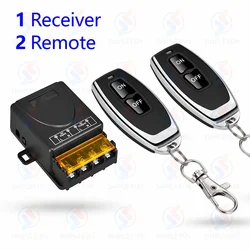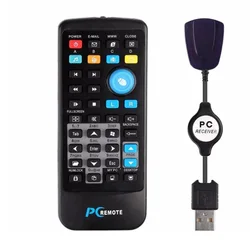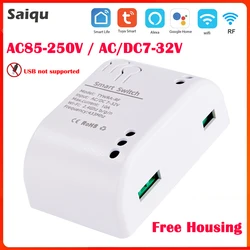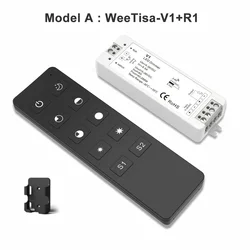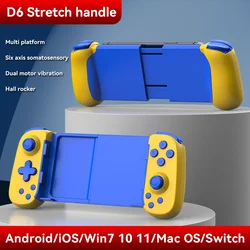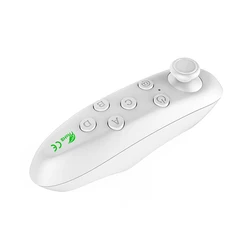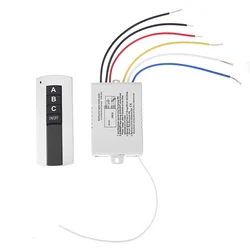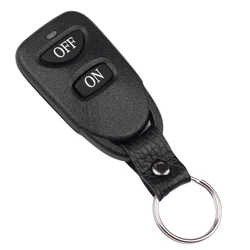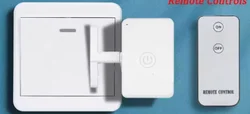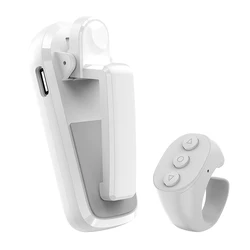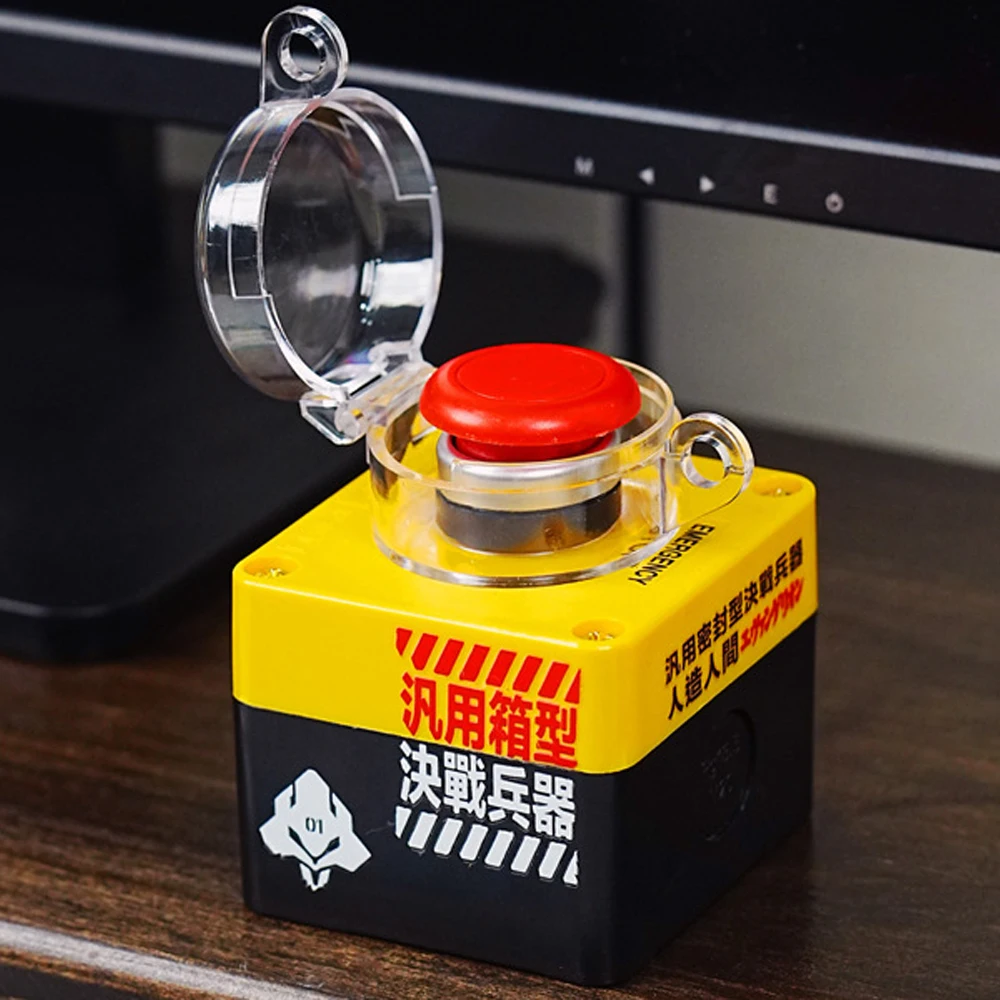
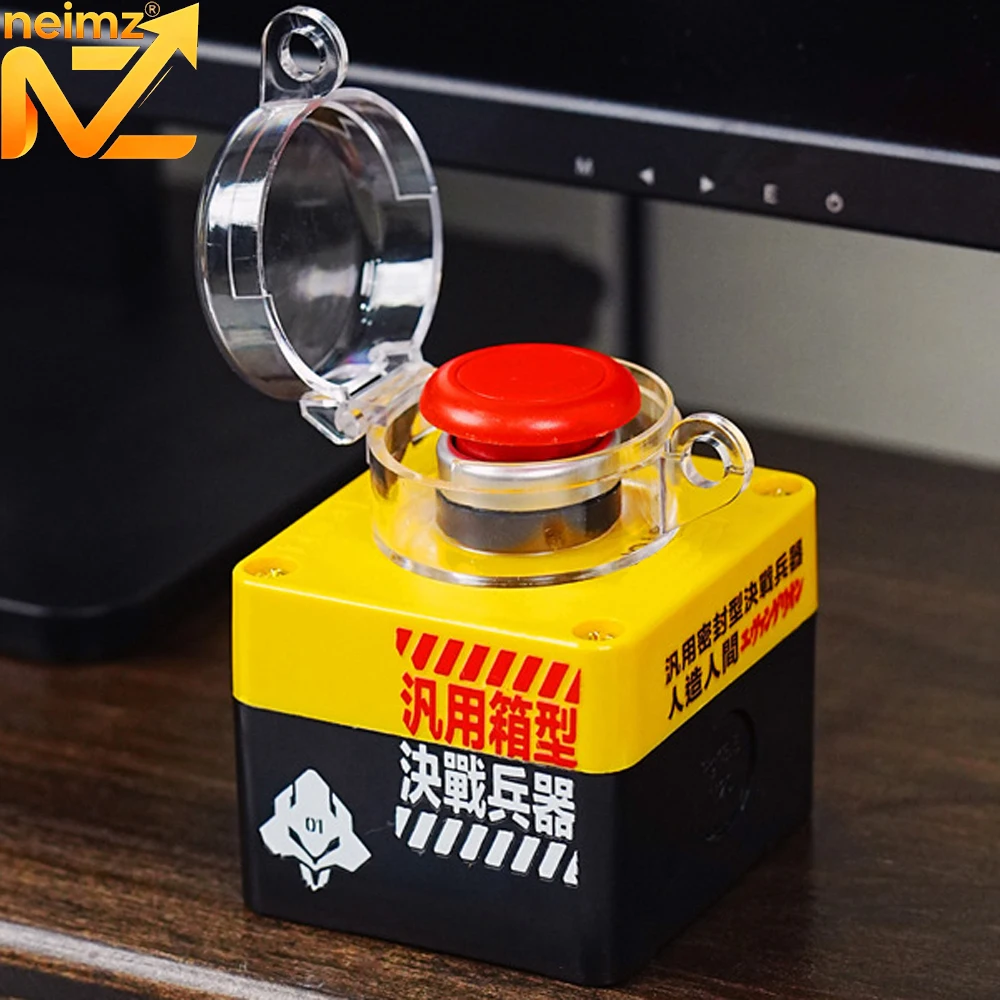
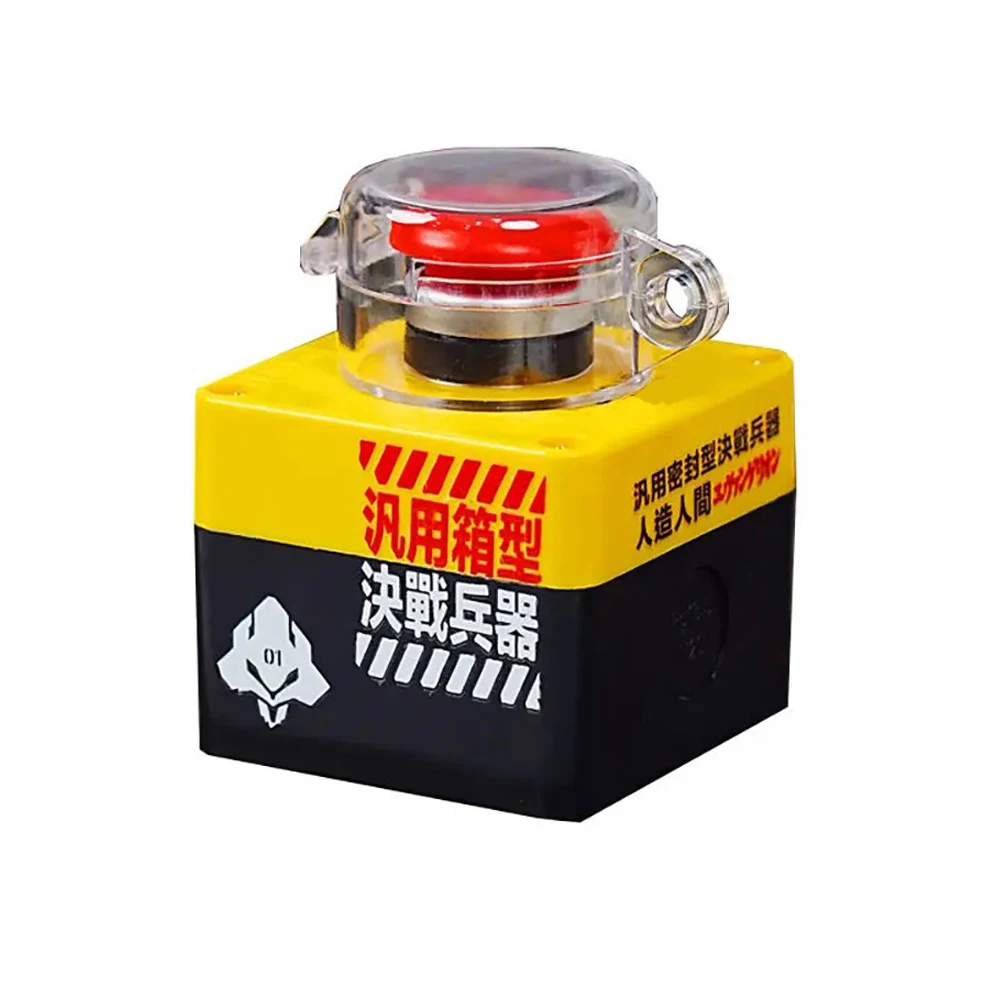
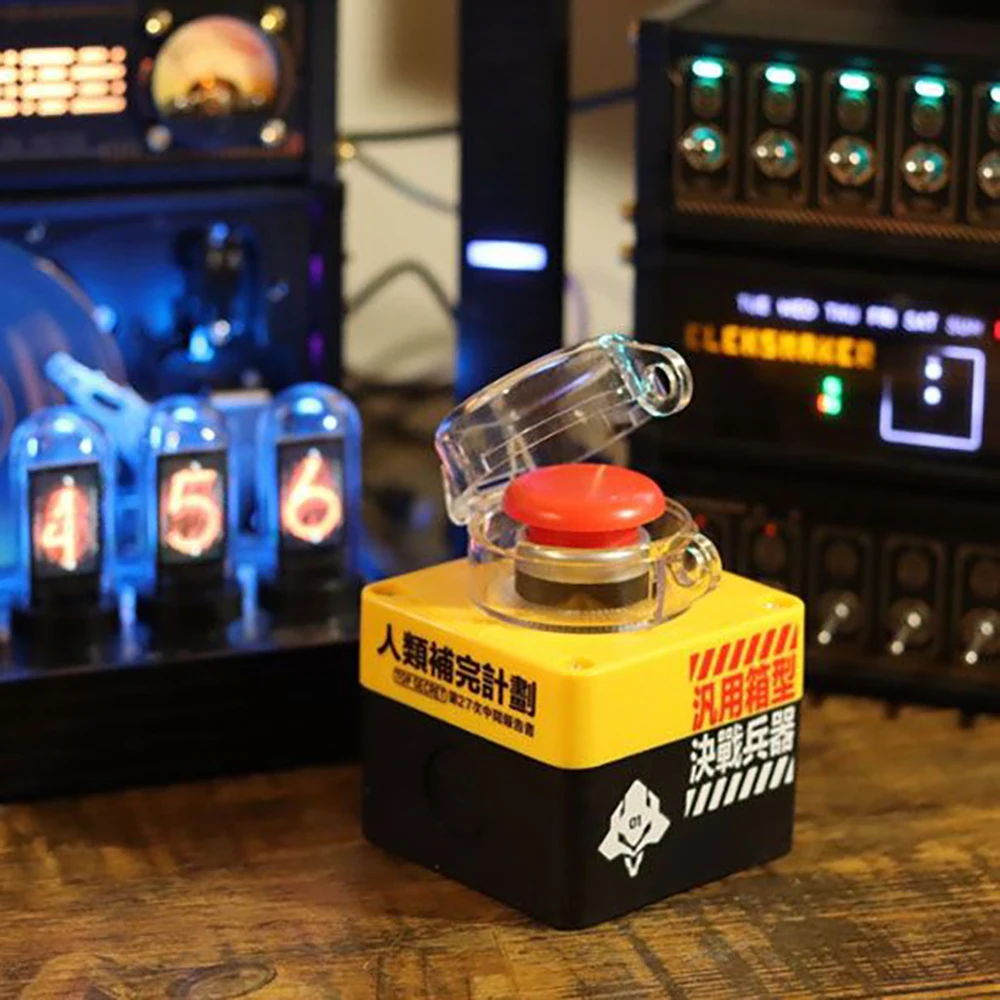

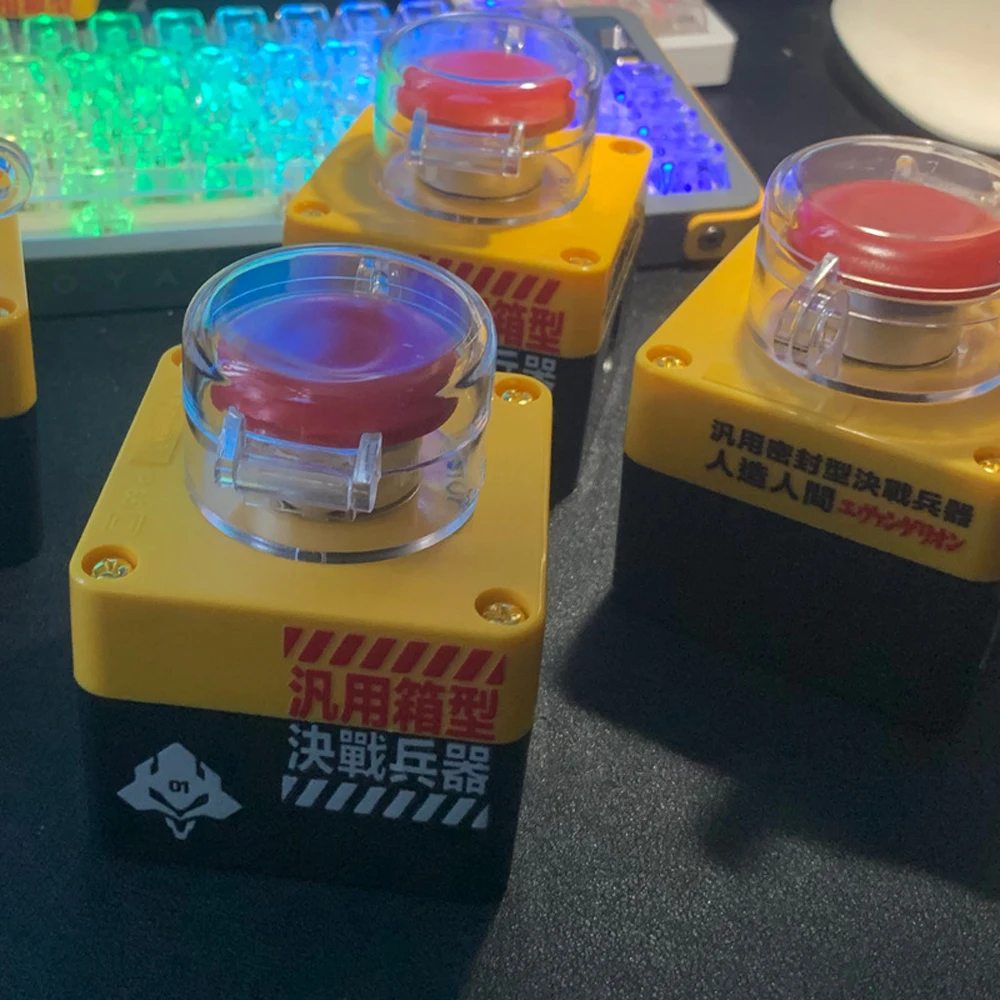

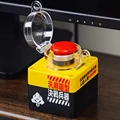
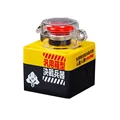
Introducing the Remote Power ON/OFF Switch for Desktop Computers!
✨ Elevate your gaming setup and streamline your desktop experience with our innovative Wireless PC Motherboard Boot Button. This stylish device not only serves a practical purpose but also adds a unique flair to your gaming room decor.
⚡ Important Usage Guidelines:
🧩 What’s Included in the Package:
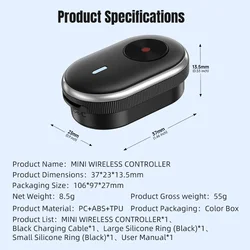
🔘 Device Specifications:
🔘 Installation Steps and Operating Tutorial:
🪞 Experience the freedom and convenience of a remote control power switch. Whether you're gaming, working, or just lounging, take full advantage of this sleek device that combines style and functionality. Enjoy hassle-free power management in your desktop setup like never before!
Frequently Asked Questions:
🔘 Q: How can I verify if the POWERSW wiring is configured correctly?
A: Simply press the power button on your main cabinet; if your desktop boots normally, the jumper is correctly connected. If not, there may be an issue with the wiring.
💍 Q: How do I check if the USB 9-Pin power supply connection is appropriate?
A: After powering the main cabinet, if the receiver's red light is illuminated, the wiring is correct. If not, you'll need to recheck the connections.
🔘 Q: How can I determine if the button box and receiver are functioning properly?
A: After pressing the mushroom button on the transmitter, you should hear a “click” from the receiver. If there's no response, the transmitter may need to be recoded with the receiver.
🔴 Q: What should I do if I see a red light inside the receiver but the system won’t boot?
A: Ensure that the receiver is connected properly and check that the motherboard’s USB interface is powered on. Settings can be found in the BIOS under Advanced Power Management.
Enhance your desktop experience with our Remote Power ON/OFF Switch, a perfect blend of convenience and style for any tech enthusiast!
If this item arrives after the delivery date given at checkout, you will be emailed a A$10.00 credit voucher to use on your next order