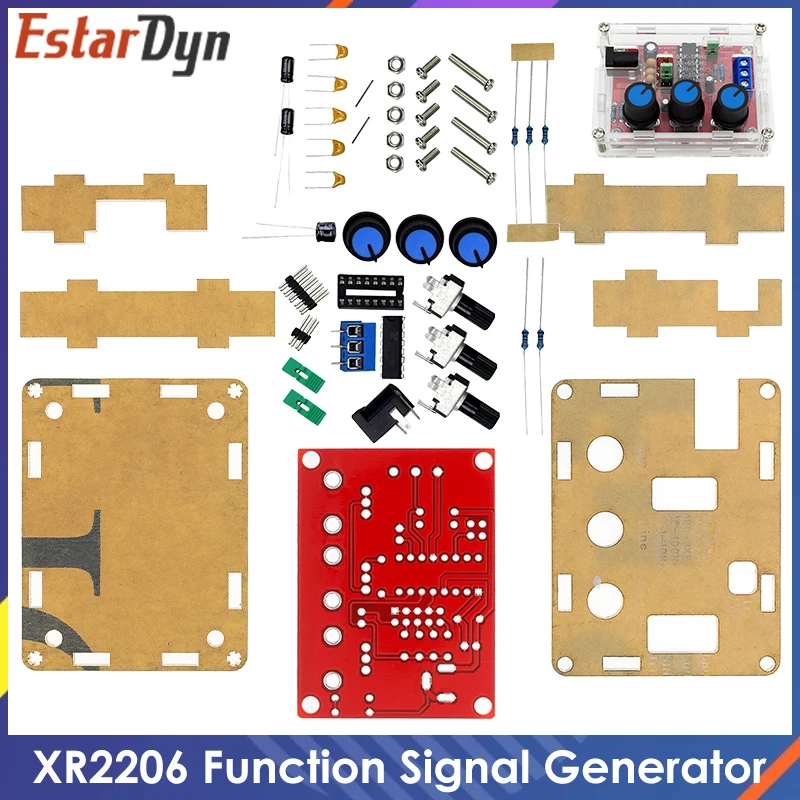
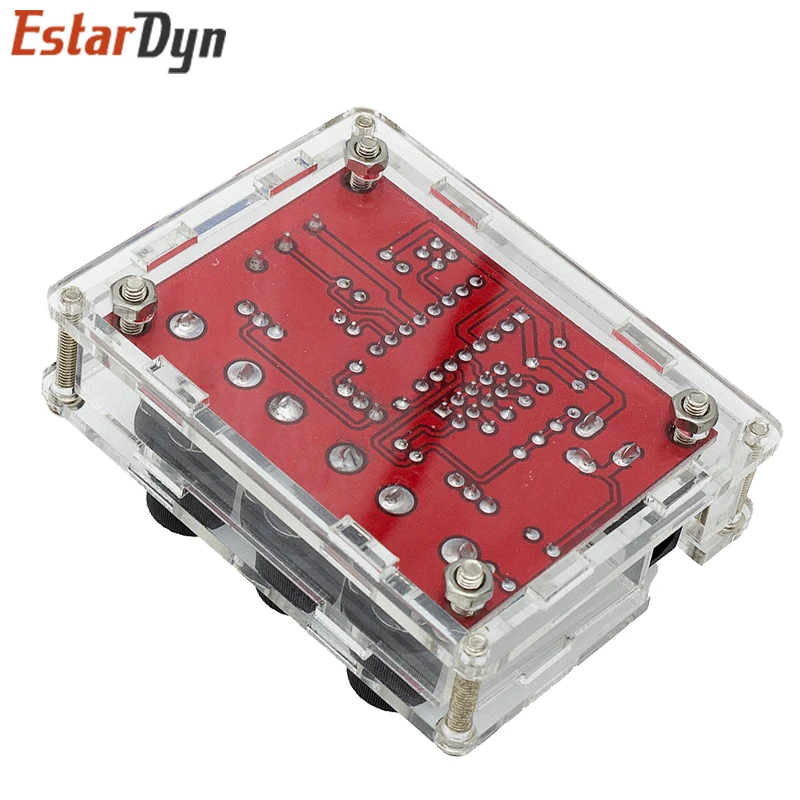
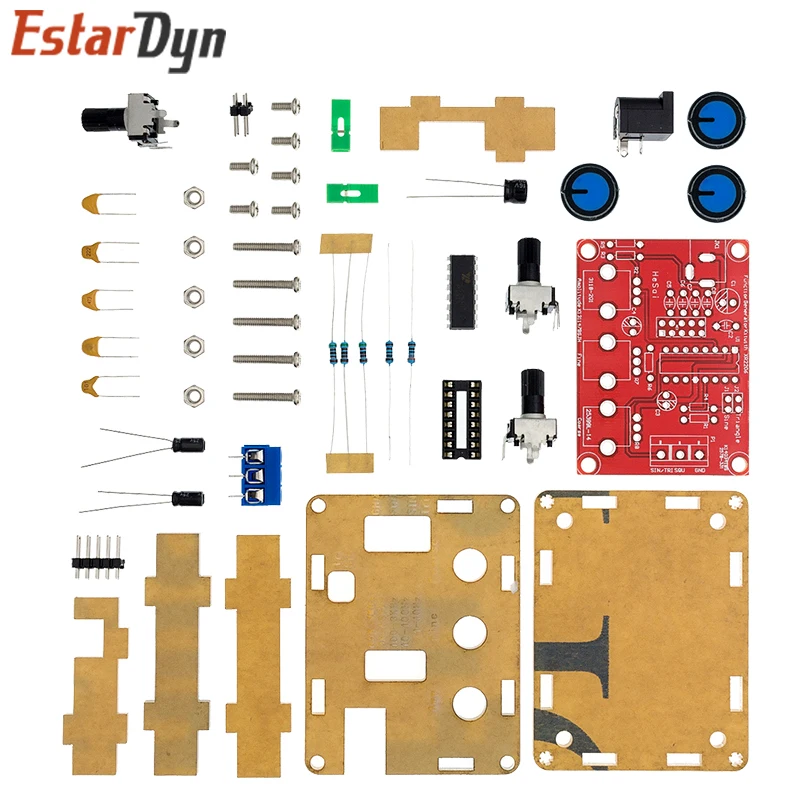
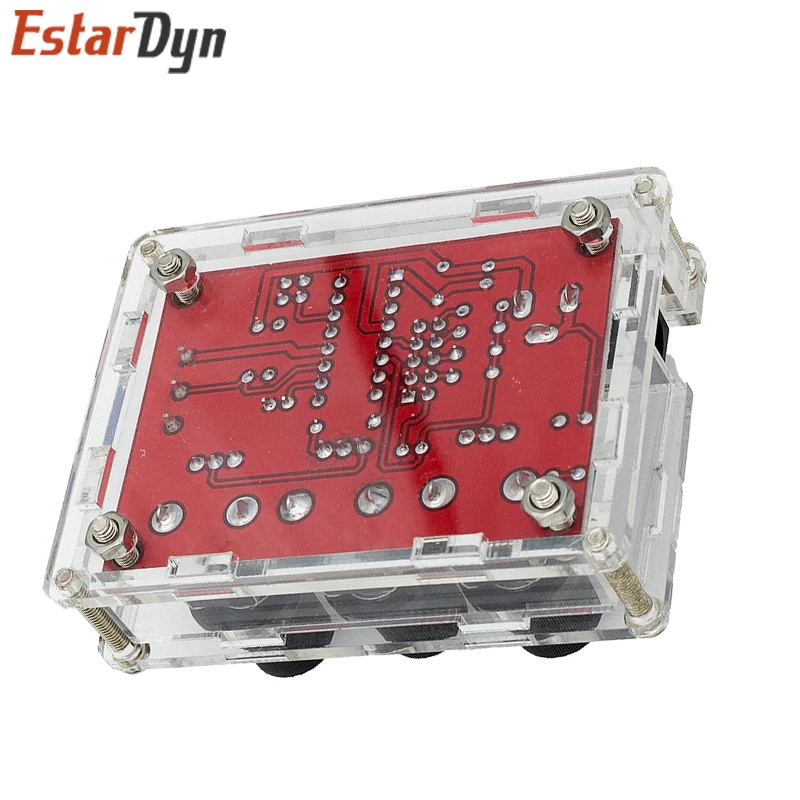
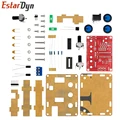
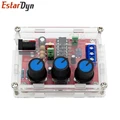
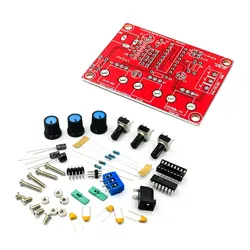
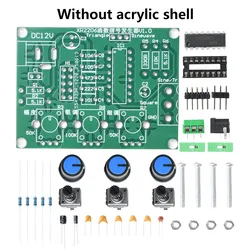
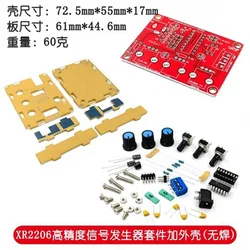
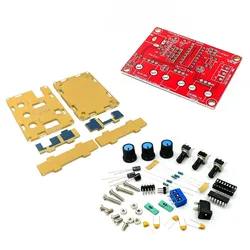
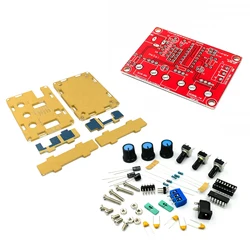
🧩 XR2206 Function Signal Generator DIY Kit
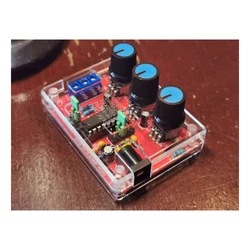
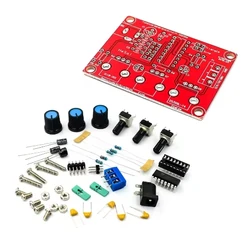
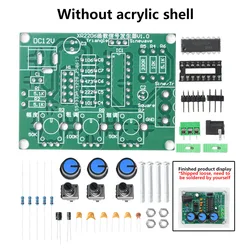
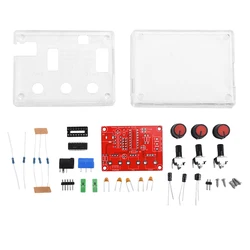
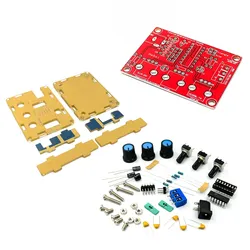
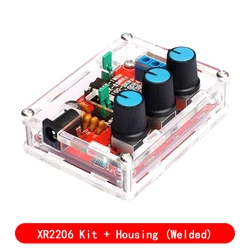
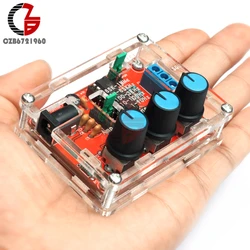
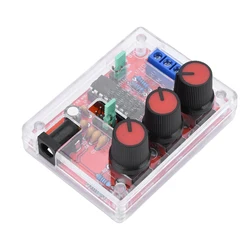
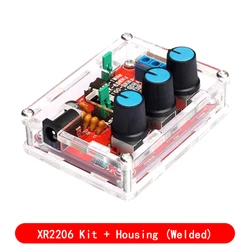
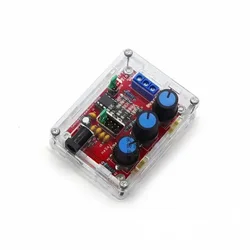
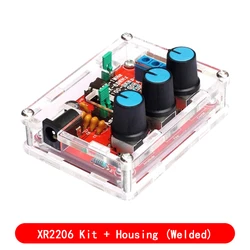
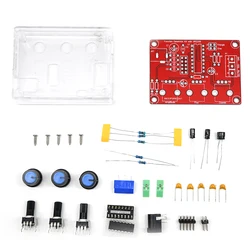
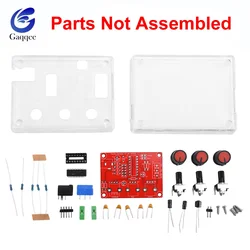
🛠️ Unleash your creativity and technical skills with the XR2206 Function Signal Generator DIY Kit, designed for electronics enthusiasts and hobbyists. This versatile kit allows you to generate precise and adjustable signal waveforms—sine, triangle, and square—over a frequency range from 1Hz up to an impressive 1MHz. Assemble the kit by soldering the various components yourself, fostering hands-on experience in circuit design and assembly.
🔧 Key Features:
- Voltage Supply: Operates with a DC input voltage of 9-12V.
- Waveform Types: Produces square, sine, and triangle waveforms, fulfilling a range of signal generation needs.
- Output Impedance: Maintains an impedance of 600 Ohm ± 10% for stable performance.
🏆 Waveform Specifications:
- Sine Wave:
- Amplitude: Adjustable from 0 to 3V with a 9V DC input.
- Distortion: Less than 1% at 1kHz for high fidelity.
- Flatness: Maintains a flat response of +0.05dB from 1Hz to 100kHz.
- Square Wave:
- Amplitude: 8V (no load) achievable at 9V DC input.
- Rise Time: Fast transition of less than 50ns at 1kHz.
- Fall Time: Quick fall-off of less than 30ns at 1kHz.
- Symmetry: Excellent balance with less than 5% variation at 1kHz.
- Triangle Wave:
- Amplitude: Adjustable from 0 to 3V with a 9V DC input.
- Linearity: Maintains linearity of less than 1% all the way up to 100kHz.
⚡ Assembly and Debugging Instructions:
Before starting the assembly, carefully read through the instruction steps to ensure a successful build:
- Begin by soldering the front board components, starting with the lowest profile parts (capacitors, resistors, diodes).
- Proceed to solder the IC socket and terminal blocks, finishing with the power socket and adjustable potentiometer.
- Use diagonal cutting pliers to trim component leads as short as possible after each assembly step.
- When inserting the XR2206 IC, check the orientation meticulously to avoid damage; ensure it is placed correctly.
- After assembly, apply power carefully, noting that the supply should use a 5.5 * 2.1mm port with the outer connection as negative. Ensure you do not exceed 12V to maintain waveform stability.
⚡ Operating the Kit:
Once assembled, use the following steps for operational use:
- For sine wave output, insert a jumper cap on J1, connecting to the SIN/TRI terminals (only one of J1 or J2 should be used at any time).
- For triangle wave output, place a jumper cap on J2, connecting to the SIN/TRI terminals (again, only one at a time).
- To access square wave output, connect to the SQU terminals.
- Utilize the AMP control for adjusting the amplitude of sine and triangle waves.
- Fine-tune frequency settings using the FINE adjustment, with the COARSE adjustment offering broader frequency changes.
💍 The XR2206 Function Signal Generator DIY Kit is an excellent project for anyone looking to deepen their understanding of electronics, waveform generation, and circuit design. Start building today and experience the satisfaction of creating a richly functional electronic device!